AI Assistant
The Volvicon AI Assistant is a chat panel built into Volvicon. It helps you in two ways:
- Answers questions about Volvicon — features, workflows, the interface, file formats, and how to perform tasks. When retrieval is available, the assistant uses Volvicon documentation as context for version-specific answers.
- Writes and runs Python scripts that automate Volvicon through its Scripting API. You describe what you want, the assistant writes the script, and — after you review and approve it — runs it in your current session.
The assistant only helps with Volvicon. It declines unrelated topics such as general programming or other software.
The AI Assistant is included with Volvicon. Running it locally is free and has no usage limits. If you choose a cloud provider instead, that provider bills you for usage through your own API key — see Cloud Providers.
| Starlit Moonlight Theme | Blue Theme |
|---|---|
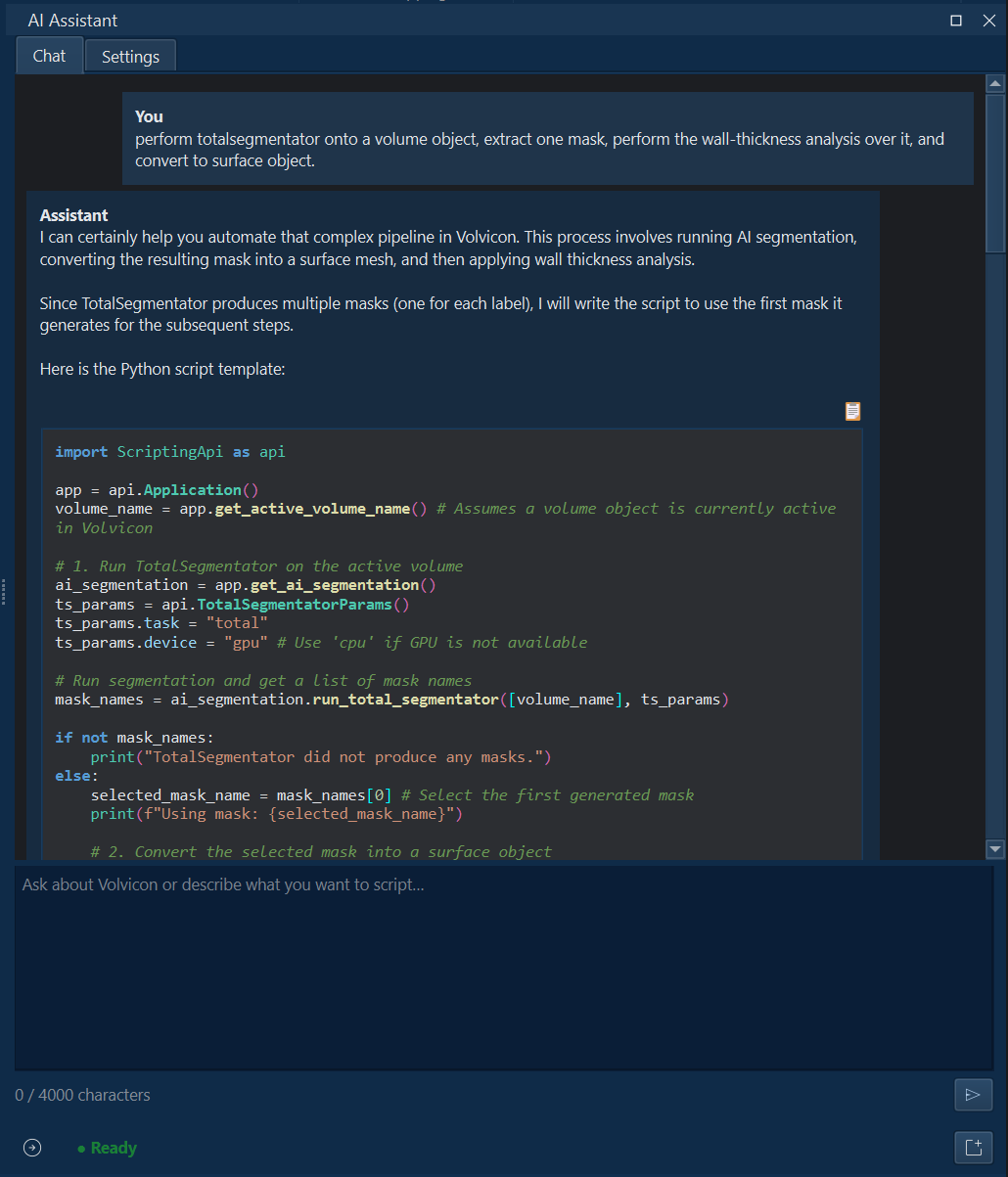 | 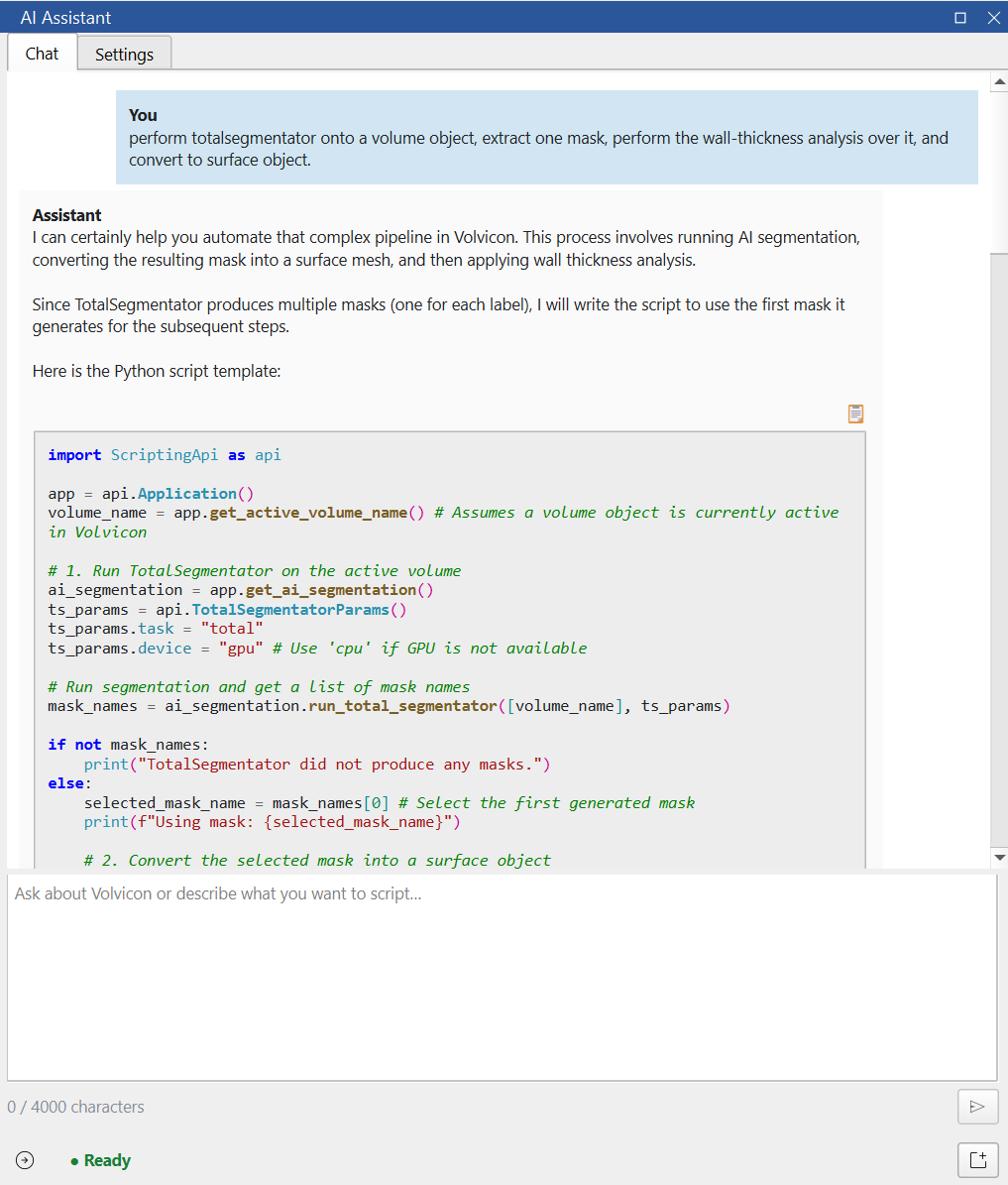 |
Local or cloud
You can run the assistant in two ways:
- Local (Ollama) — the AI model runs on your computer. It is free, private, and works offline once a model is downloaded. Nothing you type leaves your computer. It is fastest on a dedicated graphics card with enough memory for your chosen model; on a computer without one it still works but runs on the CPU and is much slower. See Local AI.
- Cloud provider — the AI runs on a paid online service (Anthropic Claude or OpenAI) using your own API key. It works on any machine and requires an internet connection. See Cloud Providers.
These two options are independent of where documentation search runs, which can also be local or cloud. See Privacy & Knowledge Retrieval.
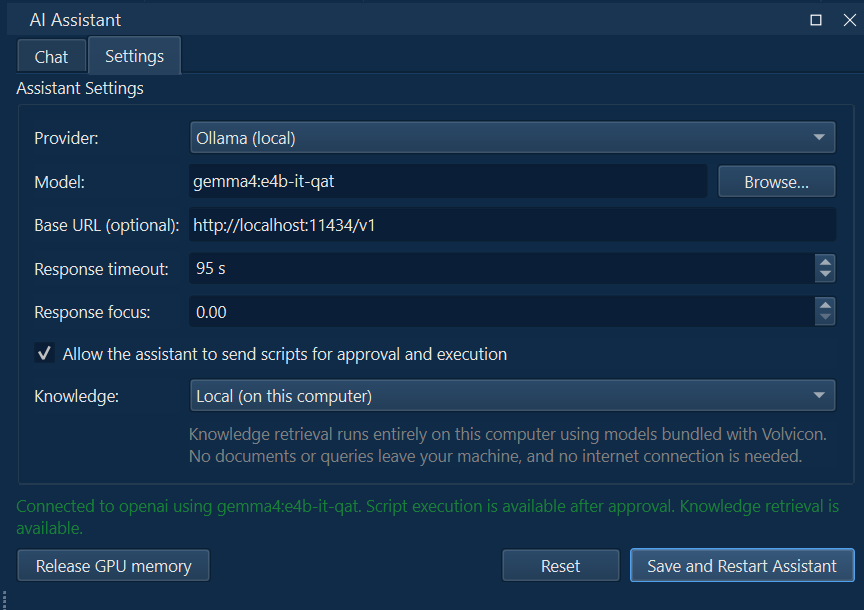
Opening the assistant
- Click the AI Assistant icon in the title bar (top-right of the window), or
- Press Ctrl + Alt + A.
The assistant opens as a dock panel on the right. The first time you open it, a short setup wizard guides you through the initial choices. See Getting Started.
In this section
- Getting Started — first run, the setup wizard, and your first question.
- Local AI (Ollama) — running on your own computer: hardware, recommended models, and downloads.
- Writing & Running Scripts — generating automation and running it safely.
- Cloud Providers — optional Anthropic Claude and OpenAI setup.
- Privacy & Knowledge Retrieval — what stays on your machine and how documentation is used as context.
- Troubleshooting — common issues and a quick reference.
You do not need to know Python. Describe what you want in plain language — for example, "create a sphere", "export every surface to STL", or "smooth the active mask" — and the assistant writes the code. To learn the underlying API, see the Scripting API reference and the Python scripting tutorials.